
Welcome back!
Enter your account email to receive a login code.
For authorised Apples & Pears team members and administrators.
Need a hand signing in? Contact our team
More than a place to log in.
Keep the conversation going, book time with us and see what’s happening next. Your Client Hub brings your work with Apples & Pears together.
Screens from our Everything Ltd demo account, shown in device frames. Your available tools depend on your services and access.A conversation you can
pick up anywhere.
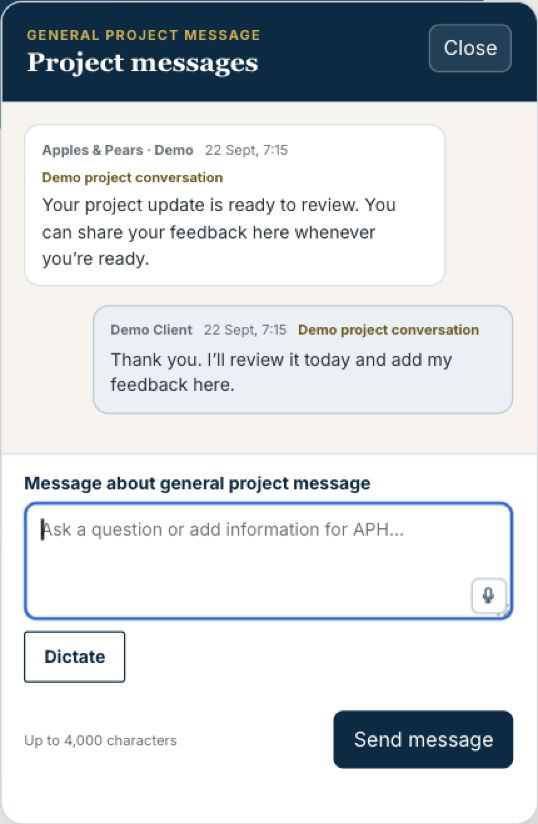
Message our team from your phone or computer. Keep questions, replies and project context together, with a formal message option when you need to add a subject.
- A dedicated conversation with Apples & Pears
- Chat and formal messages in one place
- Your conversation stays with your project
Your conversation
Chat with Apples & Pears here.
Book the right session.
Keep it in your diary.
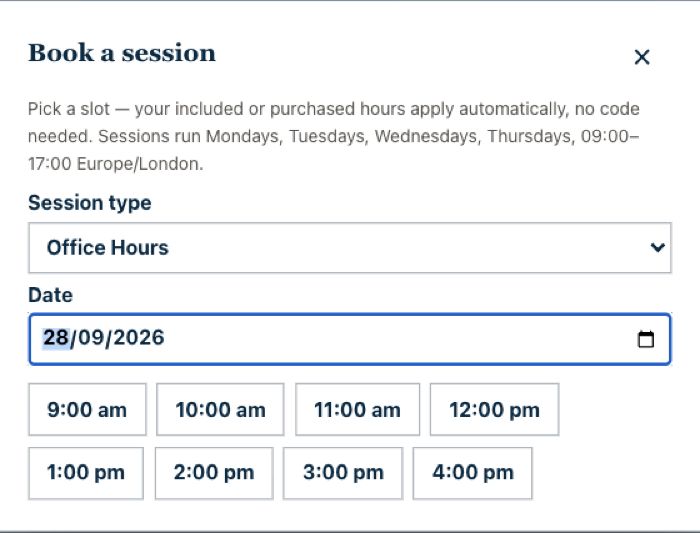
Find your Office Hours and project calls, choose a session type and pick a suitable date. Included calls and purchased hours are connected to your account.
- Office Hours and project calls
- Onboarding and handover sessions, where included
- Your appointments and session requests
Your project.
A clearer view.
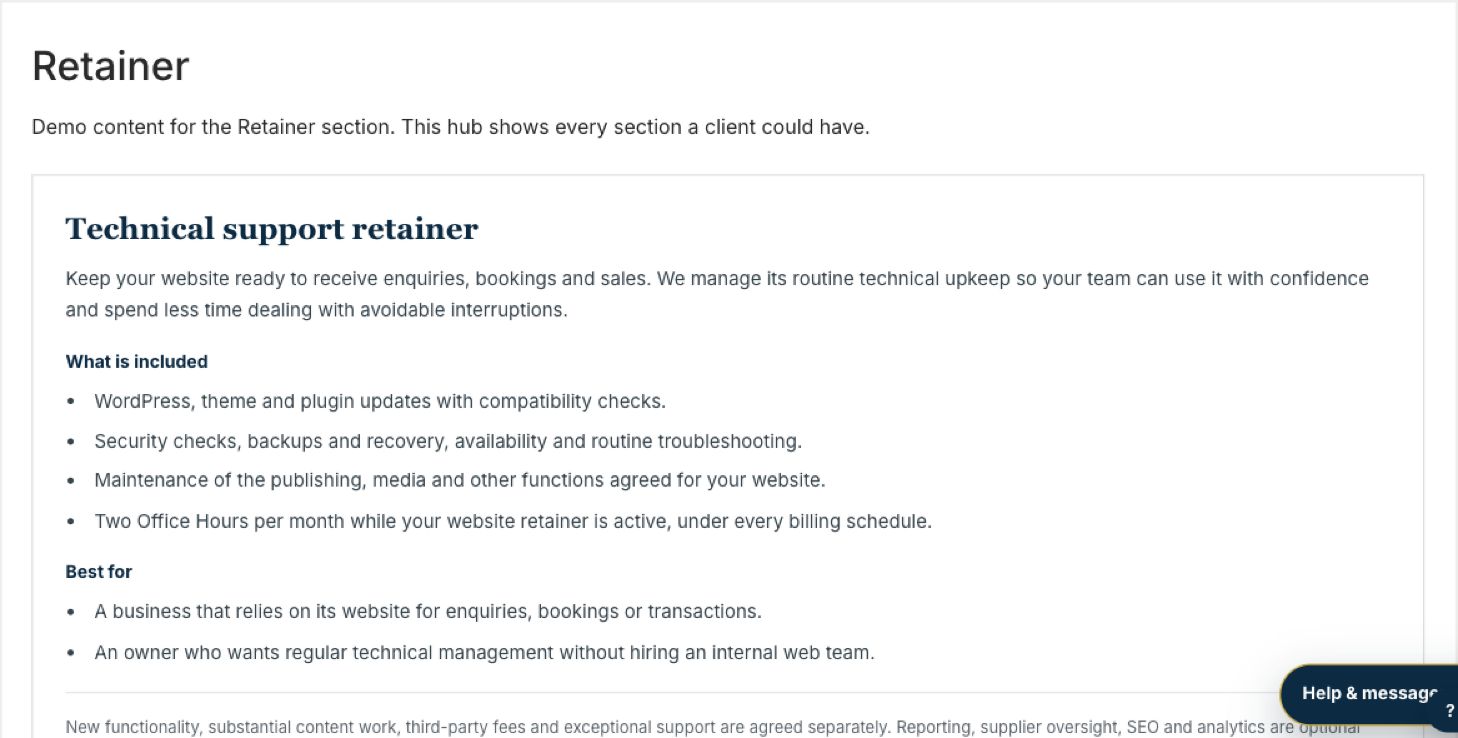
Use the larger screen when you want to review your service details, retainer, timeline and shared documents. Pick up smaller actions on your phone when you’re on the move.
- Retainer details and service information
- Project milestones and outstanding actions
- Shared files, invoices and documents
To do
The meeting ends.
The progress stays.
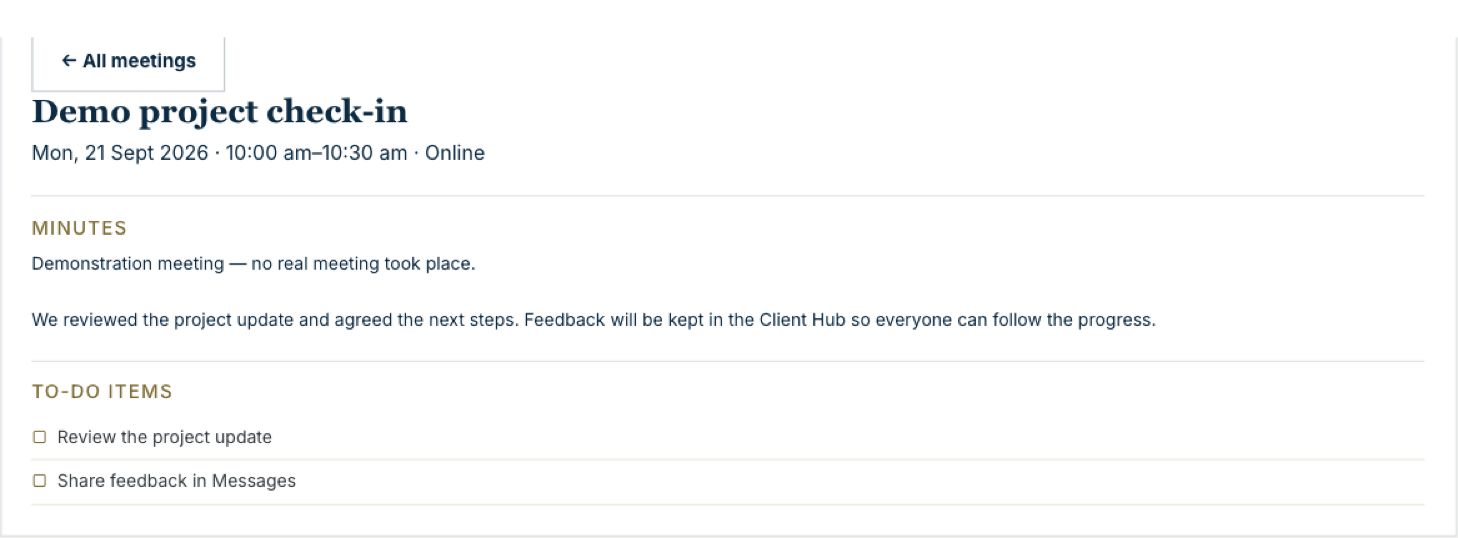
Return to the meeting notes, recordings, files and next steps your team shares with you. Keep the useful parts of the conversation connected to the work that follows.
- Meeting minutes and action items
- Shared recordings and supporting files
- Client-specific access to meeting materials
Next: joining video meetings inside your Client Hub. In-site video calls and full-call recording are being planned.
Here for a purchase?
Choose My account for book orders, downloads and your account details.